Play Web Dashers Online
Web Dashers is a fan-made browser build of the Geometry Dash web demo. Your icon runs to the right on its own. Click, tap, or press space, and the obstacles are lined up with the music. One miss sends the attempt back to the start.
The official demo on geometrydash.com only opens a short set of levels. Web Dashers keeps that browser session and adds the main 2.1 levels, a search for online stages, an icon kit, and a level editor. RobTop Games did not make it. The full Geometry Dash game is the one on Steam, Google Play, and the App Store.
What Is Web Dashers?
One input, a moving icon, and levels synced to the track
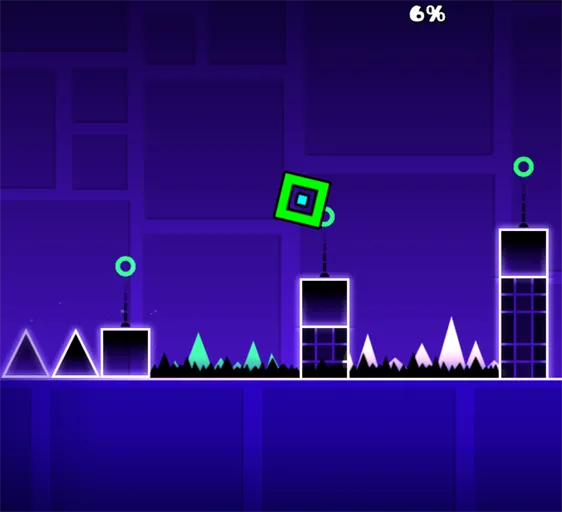
Web Dashers plays like Geometry Dash in a browser tab. The icon scrolls forward. You supply one input. Cube sections want a tap to jump. Ship sections want a hold to rise and a release to fall. Ball flips gravity. UFO gives a short boost on each tap. Wave angles up while you hold and down when you let go. Robot and spider use that same button with their own jump. Swing is not in this build. Mini portals and speed portals are.
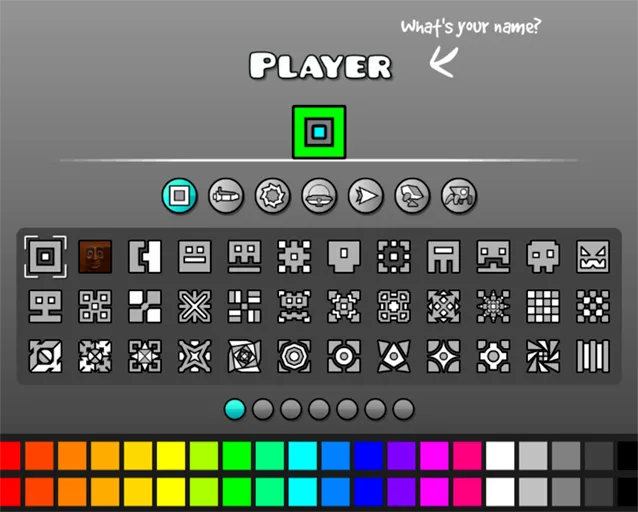
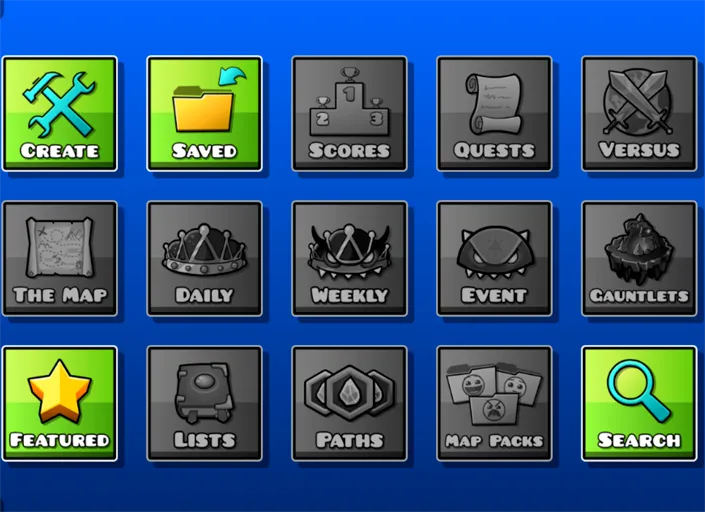
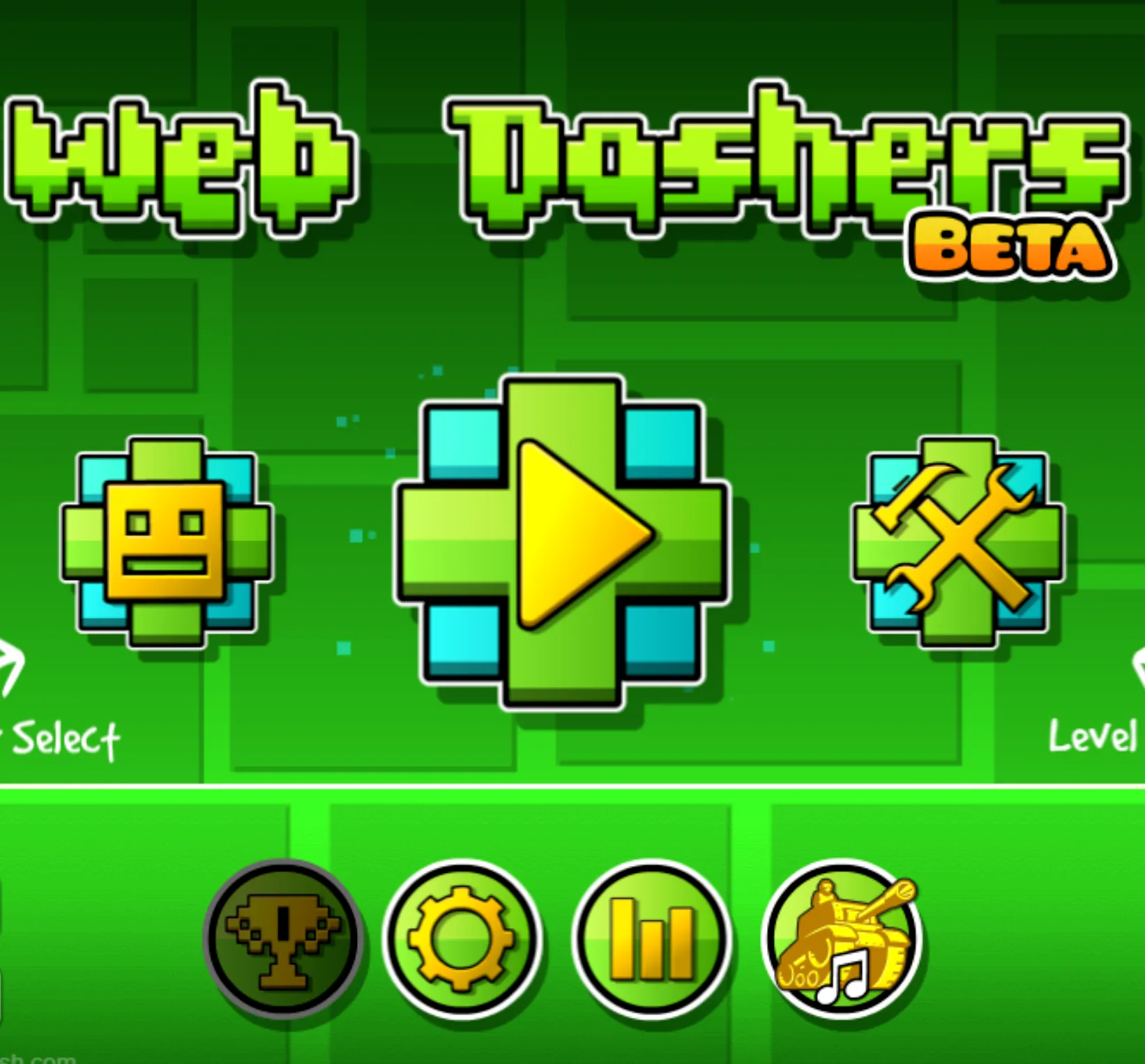
The main menu includes the 2.1 level set and is mostly working. Online search is how you open stages other people have posted. The icon kit covers colors and icons, and it does not include 2.2 icons yet. The editor can place a layout, but it is still rough. Plenty of editor tools are missing, and the project is still being worked on. An early practice mode is already there, with a cleaner version planned.
A mirror of the project at webdashers.dev lists account saves, cloud progress across devices, and extra community levels such as The Nightmare, Bloodbath, and Nine Circles. Those accounts are not created on this page. This page does not ask you to register.
How difficulty is labeled
Main levels and online stages use the usual Geometry Dash names. Read the label before you start if you want to know whether the song is a warm-up or a memory test.
Difficulty labels you will see on stages| Label | What the run feels like |
|---|
| Easy / Normal | Wider gaps and fewer form changes. Enough room to learn the jump and the first portal. |
| Hard / Harder | Tighter corridors, more ship or wave sections, and less time to hesitate after a portal. |
| Insane | Short reaction windows. You learn the layout by failing the same bar until the timing is automatic. |
| Demon | Community extremes and the hardest main-game songs. Expect a lot of restarts, even if you already know the forms. |
Web Dashers at a Glance
Facts about the browser build| What it is | Fan-made mod of the Geometry Dash web demo |
|---|
| Original game | Geometry Dash by RobTop Games. This site is not affiliated with RobTop. |
|---|
| Genre | Rhythm platformer |
|---|
| Where it runs | Desktop and mobile browsers |
|---|
| Input | Click, tap, or spacebar |
|---|
| Forms | Cube, ship, ball, UFO, wave, robot, spider. Swing is not included. |
|---|
| Also in the build | Main 2.1 levels, online level search, icon kit, level editor |
|---|
| Practice | An early practice mode is in. A fully cleaned-up version is planned. |
|---|
Play it in the browser
No store install on this page
You play it in the browser. You do not download a client and you do not need a store login. It runs in current desktop browsers and in mobile browsers.
Phone play works, with a catch. Some practice and menu buttons can register as a player input when you tap them. If a menu click starts the run, use a desktop browser for that screen.
If you want the official game instead of this fan build, use geometrydash.com, the Steam page, or the RobTop apps on Google Play and the App Store.
Why players come back
A failed jump costs a second, then you are on the same bar of the song again. That loop is the whole game. The main levels give you a fixed set to learn. Online search is there when you want a chart you have not memorized. The icon kit is how the cube stops looking like the default.
- Main 2.1 levels in the menu
- Search for online stages
- Icon kit with colors, without 2.2 icons
- A level editor that is still unfinished
- One input on desktop and on a phone
- Free to open in the browser, separate from the paid RobTop game