
Open the left home icon and choose one of ten pumpkin or skull looks. Use Practice while you learn a harsh section, or Standard when you want a full clear.
Spooky Dash gameplay video
Watch a short clip to see the pace and obstacles before you play.
What's Spooky Dash game?
Spooky Dash is a night run. A pumpkin moves forward on its own through a Halloween lane, and you supply the jumps. Spikes, stacked blocks, traps that rise from the floor, and hazards hanging from chains are what end the attempt. Dead trees and candles are scenery. They do not change the timing.
The music sets the pace. Later in a stage the scroll speeds up with the track, and a gap that felt wide on the first try gets thin. That is the loop: crash, restart, hit the same bar cleaner.
Ten looks, one jump
The left icon on the title row opens the roster. Ten avatars mix jack-o-lanterns and skulls. They share the jump. Pick one you can see against the dark background so your eyes stay on the next trap.
What actually hits you
Blocks stack into walls. Spike rows punish a late hop. Some obstacles pop up from the floor. Others hang from chains over a narrow safe patch. One touch restarts the attempt. The sample stage built around skeletons strings slides, ceiling spikes, and tight landings into one route.
Standard and Practice
- Standard: one mistake, back to the start. This is the clear that counts.
- Practice: for rehearsing a brutal segment without replaying the whole map first.
Three icons on the home row
- Left: avatar gallery.
- Center: start the run.
- Right: the builder, for a saved map or a new one.
Builder brushes
The builder has five brush sets. Keys 1 through 5 switch sets. Press the same key again to cycle items inside a set. Two music tracks are available when you test. Press O to save. You can reload older work from the builder menu.
How you jump
- Spacebar, W, or the up arrow jumps on a desktop.
- Click or hold the left mouse button when a section wants a held hop.
- Arrow keys or WASD cover the moments that need a direction, not only a hop.
- On a phone, tap or hold.
Jump early and you land on spikes. Jump late and a pop-up block catches you. Keep your eyes on the next obstacle.
Other geometry games here
- Egg Dash for a brighter holiday set with hidden eggs and cupcakes.
- Geometry Dash SubZero for three winter songs and practice checkpoints.
- Dashmetry for online charts and a larger editor.
- Geometry Games for the full list of six.
How to Play Spooky Dash
1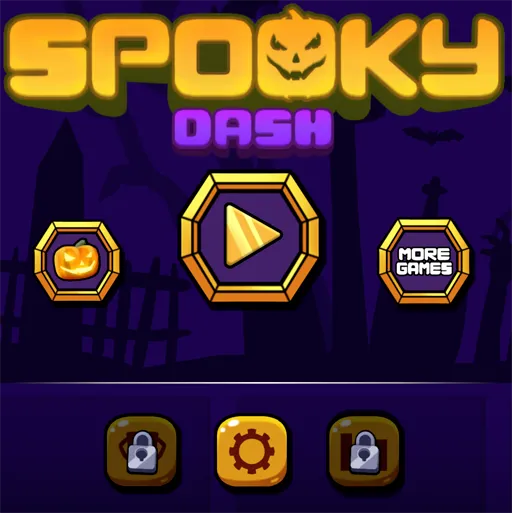
Pick an avatar and a mode
2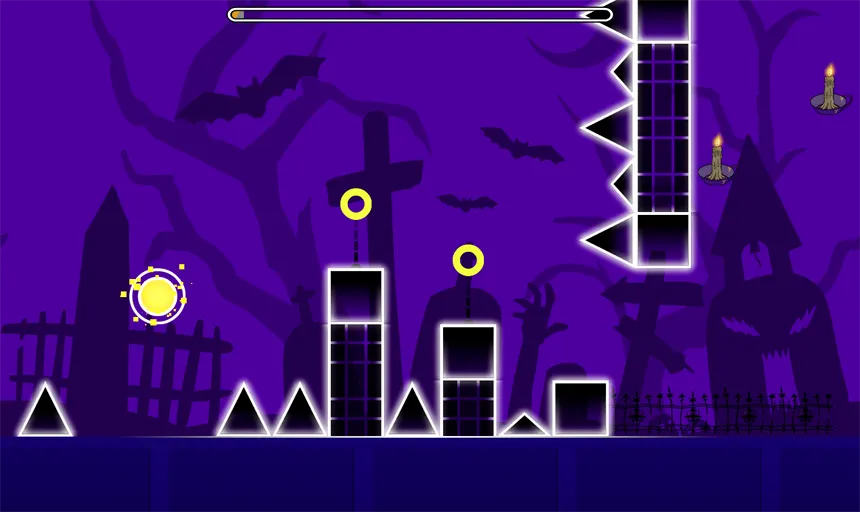
Jump the night lane
Press Spacebar, W, the up arrow, or click to jump. The pumpkin runs forward. Spikes, blocks, and chain traps do not.
3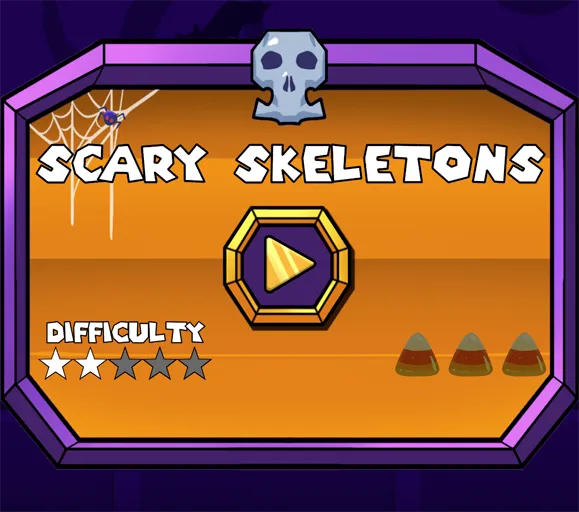
Save a map you built
The right home icon opens the builder. Keys 1 to 5 swap brush sets. Press O to save.
FAQs about Spooky Dash
In the builder, press O. Keys 1 through 5 change brush sets. Older layouts reload from the builder menu.
Standard restarts the stage after a hit. Practice is for rehearsing a hard segment before you try a clean Standard clear.
Yes. Ten avatars are on the left title icon. The jump rules stay the same.